
Affordable Solutions for Budget-Friendly Book Design

Creating a captivating book cover is one of the most important steps in bringing your story to life. It’s the first thing readers notice, and it sets the tone for what’s inside. But if you’re working with a tight budget, you might worry that a professional-looking cover is out of reach. The good news is, it doesn’t have to be expensive to get a beautiful, effective design. I’m here to share practical, budget-friendly book design tips that will help you create a cover you’re proud of without breaking the bank.
Why Budget-Friendly Book Design Matters
When you’re starting out, every dollar counts. You want to invest wisely in your book’s success, and that means finding ways to save without sacrificing quality. Budget-friendly book design is about smart choices. It’s about knowing where to spend and where to save. A well-designed cover can boost your book’s visibility and sales, but an overpriced or poorly made one can hold you back.
I’ve seen many authors struggle with this balance. The key is to focus on what really matters: clarity, appeal, and professionalism. You don’t need fancy effects or expensive photos to achieve that. Instead, you can use simple tools and strategies that deliver great results.

Simple Tools You Can Use for Book Cover Design
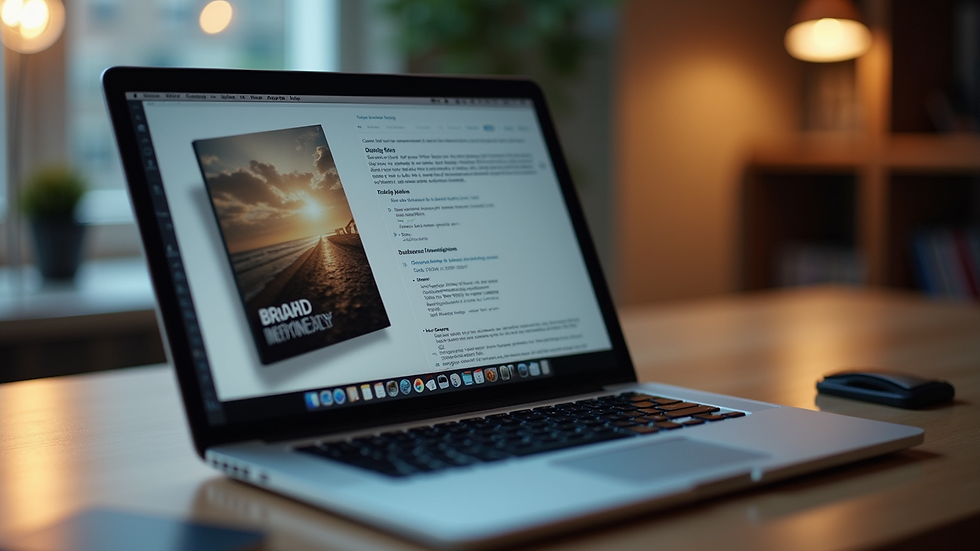
You don’t have to be a graphic designer to create a stunning cover. There are plenty of user-friendly tools that make the process accessible and affordable. Here are some of my favorites:
Canva: This online platform offers free and paid templates specifically for book covers. You can customize fonts, colors, and images easily. It’s perfect for beginners.
GIMP: A free, open-source alternative to Photoshop. It has more advanced features but requires a bit of learning.
Adobe Spark: Another easy-to-use tool with templates and design elements tailored for books.
Book Brush: Designed for authors, it helps create professional covers and marketing images with minimal effort.
When using these tools, keep your design simple. Choose a clear title font, a striking image, and a clean layout. Avoid clutter and too many colors. Remember, less is often more.
How to Find Affordable Images and Graphics
Images can make or break your cover. But buying stock photos or hiring photographers can get expensive. Here are some ways to find great visuals without spending a fortune:
Free Stock Photo Websites: Sites like Unsplash, Pexels, and Pixabay offer high-quality images you can use for free, even commercially. Just be sure to check the license.
Public Domain and Creative Commons: Look for images that are free to use without attribution. The New York Public Library Digital Collections and Wikimedia Commons are good sources.
Create Your Own Photos or Illustrations: If you have a camera or smartphone, try taking your own pictures. Simple, well-lit shots can work wonders.
Use Simple Graphics or Shapes: Sometimes, a minimalist cover with bold shapes and colors can be very effective and easy to create.
When selecting images, think about your book’s theme and mood. The right picture should invite curiosity and reflect your story’s essence.

Tips for Working with Freelance Designers on a Budget
If you want a professional touch but can’t afford a big design agency, freelancers are a great option. Here’s how to get the best value:
Be Clear About Your Vision: Provide detailed instructions, examples, and your book’s genre. The clearer you are, the less time the designer spends guessing.
Set a Realistic Budget: Know what you can afford and communicate it upfront. Many freelancers offer packages or hourly rates.
Use Platforms with Reviews: Websites like Fiverr, Upwork, or Reedsy let you find designers with proven track records.
Request a Simple Design: Avoid complex requests that increase costs. Focus on a clean, readable cover.
Ask for Multiple Formats: Make sure you get files suitable for print and digital use.
Working with a freelancer can be a rewarding experience if you approach it with respect and clear communication.
DIY Book Cover Design: Step-by-Step Guide
If you decide to design your cover yourself, here’s a simple process to follow:
Research Your Genre: Look at bestsellers in your category. Note common colors, fonts, and styles.
Choose Your Dimensions: Standard sizes vary by format (eBook, paperback, hardcover). Check your publisher’s requirements.
Pick a Color Scheme: Use colors that evoke the right emotions and stand out on digital shelves.
Select Fonts Carefully: Use one or two fonts maximum. Make sure the title is legible even in thumbnail size.
Add Your Image or Graphic: Place it strategically to balance the text.
Include Your Name and Subtitle: Keep these elements clear but secondary to the title.
Review and Get Feedback: Show your design to friends or fellow writers for honest opinions.
Export in High Resolution: Save your cover in the correct format (usually JPEG or PDF) with at least 300 dpi for print.
This approach helps you stay organized and focused, making the design process less overwhelming.
Making the Most of Affordable Book Cover Design
Finding an affordable book cover design solution is about combining creativity with smart choices. You don’t need to spend a fortune to make a strong first impression. Whether you use free tools, find budget-friendly freelancers, or create your own design, the goal is to produce a cover that connects with readers and represents your story well.
Remember, your cover is part of your book’s brand. It should feel authentic to you and your writing style. Take your time, experiment, and don’t be afraid to ask for help. With the right approach, you can create a cover that opens doors and invites readers in.
Happy designing!

Comments